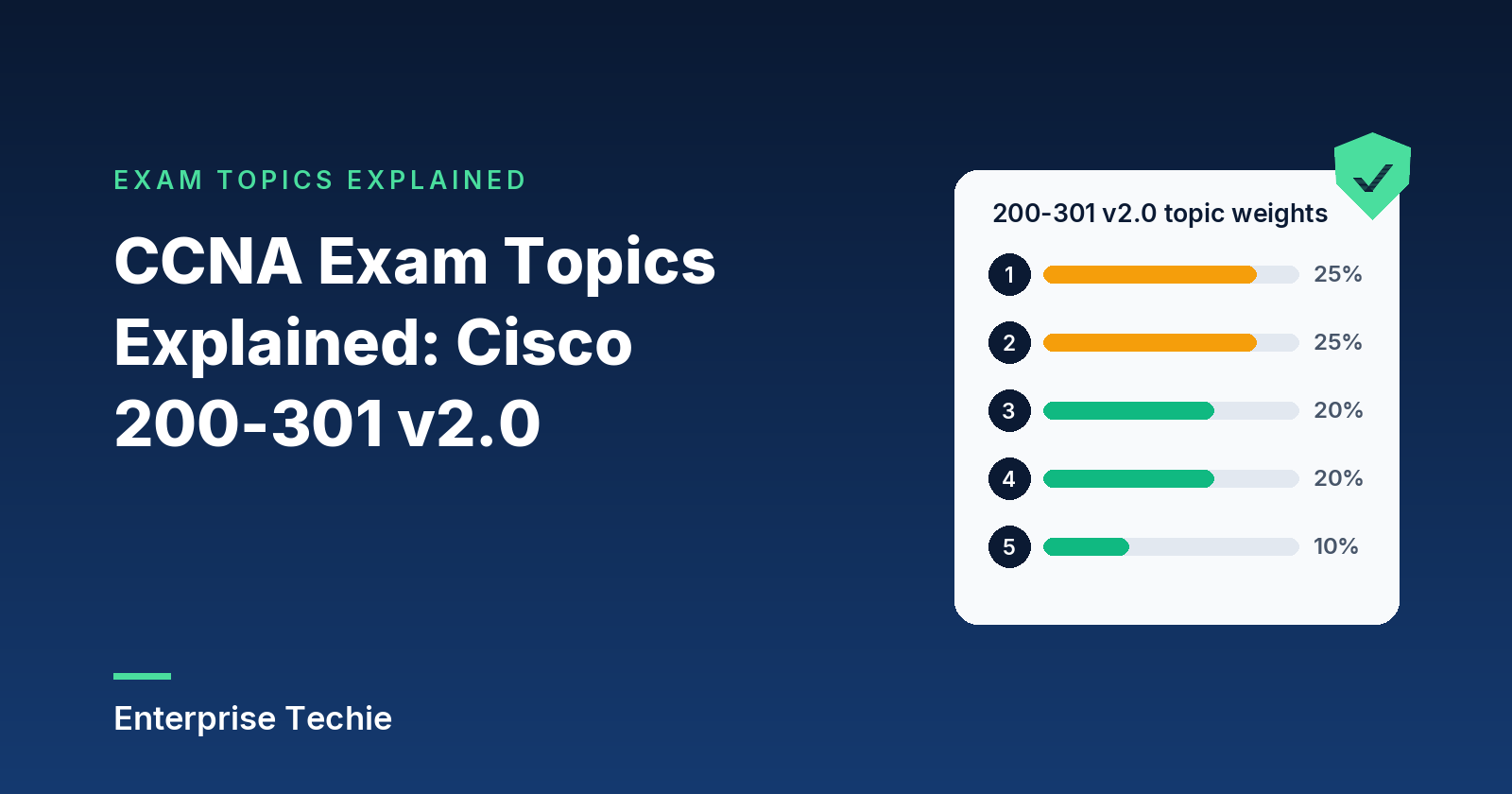
Cisco publishes a list of exam topics for every certification exam, and for the CCNA it is the closest thing to a syllabus that exists. This page walks through the topics for 200-301 CCNA v2.0, Implementing and Administering Cisco Solutions, in plain English: the test details, the five domains and their weights, what each of the 29 topics covers, and how to turn the list into a study plan.
This page covers v2.0. According to Cisco’s Learn with Cisco blog, the last day to test on v1.1 is February 2, 2027, and v2.0 goes live on February 3, 2027, so anyone testing before February 3, 2027 sits v1.1 and should use Cisco’s v1.1 exam topics. Unless another source is named, every fact below comes from Cisco’s CCNA v2.0 exam topics.
In this guide
- CCNA v2.0 at a glance
- The five domains and their weights
- How to read an exam topic
- Domain 1: Network Infrastructure and Connectivity
- Domain 2: Switching and Network Access
- Domain 3: IP Routing
- Domain 4: Network Services and Security
- Domain 5: AI, and Network Operations and Management
- Where AI shows up
- How to study the exam topics
- Frequently asked questions
CCNA v2.0 at a glance
| Exam | Implementing and Administering Cisco Solutions (200-301 CCNA) v2.0 |
|---|---|
| Time | 120 minutes |
| Domains and topics | 5 domains, 29 topics |
| Number of questions | Not listed on Cisco’s exam page |
| Price | US$300, or Cisco Learning Credits, per Cisco’s exam page (as of November 2026) |
| Prerequisites | None, per Cisco’s CCNA page |
| First day to test on v2.0 | February 3, 2027 |
| Last day to test on v1.1 | February 2, 2027 |
The exam code stays 200-301; the version number is what changes. When booking, check which version the date falls under, and make sure the study material matches it.
The five domains and their weights
Cisco groups the topics into five domains and gives each a percentage of the exam. The two right-hand columns are counted from the topics document itself.
| Domain | Share of exam | Topics | Topics starting Configure or Troubleshoot |
|---|---|---|---|
| 1.0 Network Infrastructure and Connectivity | 25% | 7 | 4 |
| 2.0 Switching and Network Access | 25% | 5 | 4 |
| 3.0 IP Routing | 20% | 4 | 2 |
| 4.0 Network Services and Security | 20% | 7 | 4 |
| 5.0 AI, and Network Operations and Management | 10% | 6 | 0 |
| Total | 100% | 29 | 14 |
Two things stand out. The first two domains are worth 50 percent between them, so cabling, addressing, wireless, switching and spanning tree make up half of the exam. And Domain 5 is the smallest at 10 percent, yet two of its six topics are about AI.
How to read an exam topic
Each topic opens with a verb, and the verb says what kind of knowledge is expected. Counted across the 29 topics:
| Verb | Topics | What it asks for |
|---|---|---|
| Configure | 8 | Setting a feature up from the command line |
| Troubleshoot | 6 | Finding and fixing a fault from its symptoms |
| Describe | 6 | Explaining what something is and does |
| Interpret | 3 | Reading output (a routing table, FHRP status, syslog) and drawing the right conclusion |
| Diagnose | 2 | Working out the cause of a problem |
| Validate, Manage, Select, Use | 1 each | Checking documentation, handling files, choosing a prompt, running a tool |
Some topics carry lettered sub-items, such as the four wireless sub-topics under 1.5 or the five Layer 2 security features under 4.7. Cisco describes the whole list as a general guide: related topics can appear on any given exam, and the list can change without notice. Treat it as a map of the territory, not the full inventory.
Domain 1: Network Infrastructure and Connectivity (25%)
The groundwork: physical links, virtualization, addressing, wireless and DHCP. Seven topics, and five of them start with Troubleshoot or Diagnose.
- 1.1 Interface and cable faults (diagnose). Problems on copper and fiber links: collisions and errors, duplex and speed mismatches, distance limits, interface state, optical signal levels, pinouts and the wrong cable type.
- 1.2 Virtualization (describe). What hypervisors, virtual machines and containers are, and how they differ.
- 1.3 IPv4 addressing (troubleshoot). Address configuration and assignment, subnetting, and the difference between public and private ranges.
- 1.4 IPv6 addressing (troubleshoot). Address configuration and assignment, prefix sizing, unicast addresses and modified EUI-64 interface IDs.
- 1.5 Wireless principles (describe). Four sub-topics: choosing bands and channels, RF characteristics, wireless security protocols, and what causes interference.
- 1.6 Client connectivity (troubleshoot). Wired and wireless clients on Windows, macOS and Linux: their IP settings, whether they can reach the network, and their Wi-Fi security parameters.
- 1.7 DHCPv4 on IOS (troubleshoot). The client, server and relay roles on Cisco IOS devices.
Study note: subnetting is the skill this domain leans on most, and it comes back in ACL wildcards, static routes and OSPF. Practice until finding the network, broadcast and usable range of an address takes seconds, for both IPv4 and IPv6 prefixes.
Domain 2: Switching and Network Access (25%)
How switches connect to each other, to routers and to end devices, and how spanning tree keeps Layer 2 loop-free. Five topics; three start with Configure.
- 2.1 Infrastructure links (configure). Switch-to-switch and switch-to-router connections: Layer 2 and Layer 3 physical interfaces, 802.1Q trunks, LACP EtherChannels at Layer 2 or Layer 3, and switch virtual interfaces (SVIs).
- 2.2 Edge ports (configure). VLAN, PoE, port channel and LACP settings for the devices at the edge: desktops, printers and IoT appliances, standalone and controller-based access points, VoIP phones, virtualized hosts and network appliances.
- 2.3 Checking documentation (validate). Using CDP and LLDP to confirm that network documentation matches what is actually connected.
- 2.4 Troubleshooting tools (troubleshoot). Basic Layer 2 and Layer 3 problems and device operation, worked through with show commands (logs included), ping, extended ping, traceroute and packet capture output.
- 2.5 Rapid PVST+ (configure). Root bridge selection with primary and secondary roots, root ports and the other port names, port states and roles, PortFast, and the root guard, loop guard and BPDU guard protections.
Study note: 2.2 lists the device types one by one, so practice a port configuration for each: an access port with PortFast for a desktop, an access port plus voice VLAN for a phone, and a trunk for a virtualized host.
Domain 3: IP Routing (20%)
How routers pick a path and how gateways stay available. Four topics.
- 3.1 Routing tables (interpret). Finding the next hop for a packet from a routing table, using the route source, prefix and mask, administrative distance, metric and default route.
- 3.2 Static routing (troubleshoot). IPv4 and IPv6 static routes of four kinds: default, network, host and floating static.
- 3.3 Single-area OSPF (configure). OSPFv2 for IPv4 and OSPFv3 for IPv6: neighbor adjacencies (authentication is excluded), point-to-point and broadcast networks with DR and BDR election, and the router ID.
- 3.4 First hop redundancy (interpret). Reading the operational status of HSRP and VRRP.
Study note: keep the route selection order straight. The longest matching prefix wins first; administrative distance only breaks ties between route sources for the same prefix, and metric only between routes from the same protocol (Cisco).
Domain 4: Network Services and Security (20%)
Device access, file transfer, NAT, DNS, VPNs and the features that protect a switched network. Seven topics, four of them Configure.
- 4.1 Device access (configure). Local usernames, and network devices acting as AAA clients of TACACS+ and RADIUS servers for management logins.
- 4.2 Configuration and software files (manage). Moving files securely with SFTP and SCP.
- 4.3 NAT and PAT (configure). Address translation on IOS XE routers.
- 4.4 DNS records (diagnose). Faults in A, AAAA, CNAME, MX, NS and PTR records that stop people reaching hosts, web applications and mail servers by name.
- 4.5 IPsec VPNs (describe). Remote access and site-to-site VPNs, including the protocols involved and the transport modes.
- 4.6 IPv4 ACLs (configure). Standard and extended access lists, both numbered and named.
- 4.7 Layer 2 security (configure). Five features: DHCP snooping, dynamic ARP inspection, storm control, RA guard and port security.
Study note: TACACS+ and RADIUS are easy to blur. Cisco’s comparison sums it up: RADIUS uses UDP and encrypts only the password, while TACACS+ uses TCP, encrypts the whole packet body and keeps authentication, authorization and accounting separate.
Domain 5: AI, and Network Operations and Management (10%)
AI and the tools that run a network day to day. Six topics, mostly Describe and Interpret, and none that start with Configure or Troubleshoot.
- 5.1 Agentic AI (describe). The part agentic AI plays in network operations.
- 5.2 Prompts (select). Picking the right prompt for a generative AI system that supports operations, weighing its components: data classification, output format, persona and instructions.
- 5.3 Management approaches (describe). Device-based, cloud-based, controller-based and automation-based management, and infrastructure as code.
- 5.4 SNMP (describe). What SNMP does in network operations.
- 5.5 Configuration management (use). Running commands with a configuration management tool such as Ansible.
- 5.6 Syslog (interpret). Reading message content, severity levels and facilities.
Study note: syslog severity runs the opposite way to intuition. Level 0 is emergencies and level 7 is debugging, and setting a level captures that level plus every numerically lower one (Cisco).
Where AI shows up in CCNA v2.0
AI appears in three places in the topics document:
- The exam description names AI among the areas the exam covers, and says candidates may have to weigh the suggestions and output that agentic AI tools and digital network assistants produce while supporting operations and troubleshooting.
- 5.1 asks for the role of agentic AI in network operations.
- 5.2 asks candidates to pick a suitable prompt for a generative AI system, with data classification among the components to weigh.
What these items test is judgment. Cisco’s agentic AI explainer warns that because agents act on their own, one error can snowball, which is why checking an AI recommendation against the device output is a networking skill in its own right.
How to study the exam topics
- Turn the list into a checklist. Open Cisco’s v2.0 exam topics and mark each topic and sub-item as it becomes familiar. Gaps show up quickly.
- Split study time by weight. Domains 1 and 2 are half the exam, so they deserve about half the hours. Domain 5 is 10 percent, but its vocabulary (SNMP versions, syslog levels, management approaches) is quick to learn.
- Practice the 14 Configure and Troubleshoot topics hands-on. 1.3, 1.4, 1.6, 1.7, 2.1, 2.2, 2.4, 2.5, 3.2, 3.3, 4.1, 4.3, 4.6 and 4.7 are about doing, and a lab of virtual or used equipment turns those topics into experience.
- Test against the topics, then read the explanations. Practice questions show which topics are solid and which are not, and the explanation for a missed question usually teaches more than the question itself.
For every topic explained in depth, with tables and exam tips, see the CCNA study guide.
Practice against these exam topics
Try 30 free CCNA practice questions with answers and explanations, plus a 10-question quick check scored at the end. No sign-up.
Frequently asked questions
How many topics are in the CCNA v2.0 exam topics?
29, spread across five domains. Fourteen of them start with Configure or Troubleshoot, so hands-on practice covers nearly half the list.
What are the CCNA v2.0 domains and weights?
Network Infrastructure and Connectivity (25%), Switching and Network Access (25%), IP Routing (20%), Network Services and Security (20%), and AI, and Network Operations and Management (10%).
How long is the CCNA 200-301 exam?
120 minutes, according to both the v2.0 exam topics and Cisco’s exam page. Cisco’s exam page does not list a number of questions.
When does CCNA v2.0 replace v1.1?
Cisco says the last day to test on v1.1 is February 2, 2027, and v2.0 goes live for testing on February 3, 2027. The exam code, 200-301, stays the same.
Does CCNA v2.0 include AI?
Yes. Domain 5 has a topic on the role of agentic AI in network operations and one on choosing a prompt for a generative AI system, and the exam description says candidates may need to judge output from AI tools and digital network assistants.
Is everything on the exam listed in the exam topics?
Not necessarily. Cisco calls the topics a general guide, notes that related topics may appear on any given exam, and says the list can change at any time without notice.
Where are the official CCNA exam topics?
On the Cisco Learning Network. The v2.0 topics are at learningnetwork.cisco.com/s/ccna-v2-exam-topics, and Cisco’s 200-301 exam page links to the topics for the version currently in testing.
Sources: Cisco CCNA v2.0 exam topics; Cisco CCNA v1.1 exam topics; Cisco 200-301 CCNA exam page; Cisco CCNA certification page; Learn with Cisco blog, July 1, 2026; Cisco’s route selection, TACACS+ and RADIUS comparison, message logging levels and agentic AI pages. Last checked: November 2026. Cisco and CCNA are trademarks of Cisco Systems, Inc. Enterprise Techie is not affiliated with or endorsed by Cisco.